
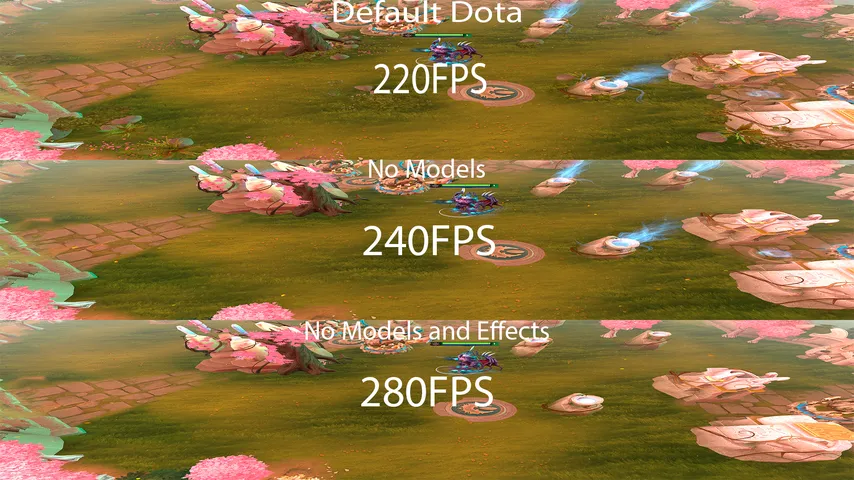
Dota 2 optimization mods
These go the other way from everything else here: fewer particles, simpler models, more frames. Worth trying before you touch your settings.
The D2PFX catalog has 5 mods in this category. Each changes what you see on your own screen; everyone else sees their own game.
 New
NewNo Unnecessary Models
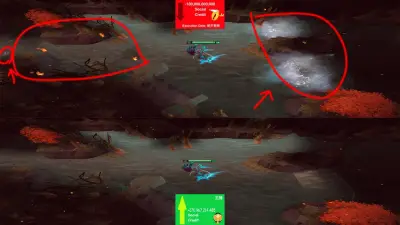 New
NewNo Unnecessary Map Effects
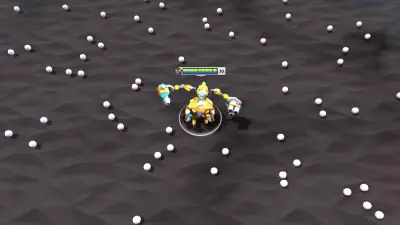
Tinker Lite Machines
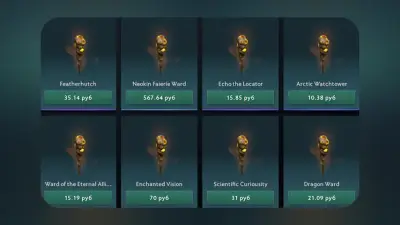
Default Wards
- Commands
Commands
Nothing matches that.Try fewer words, or another kind.
Open it in the app, or send the link to a friend.
Open in Mod ManagerInstalling any of these
Open Dota 2 Mod Manager, find the hero, press Install. The app puts the file in a free pak slot in the folder your game mounts, tells you when two mods carry the same file, and puts everything back after a Dota patch. The full guide, or the manual route if you would rather do it yourself.