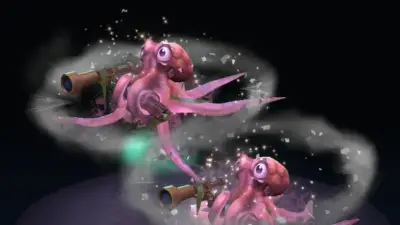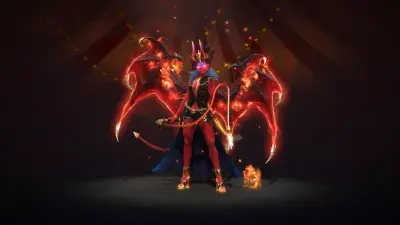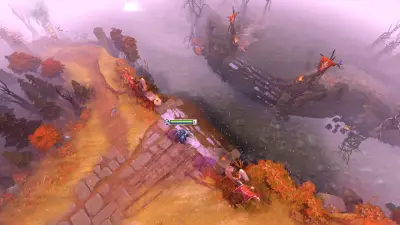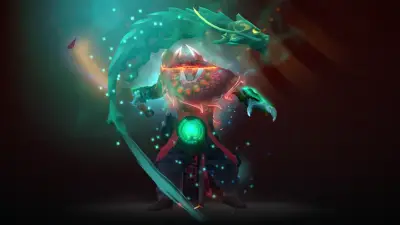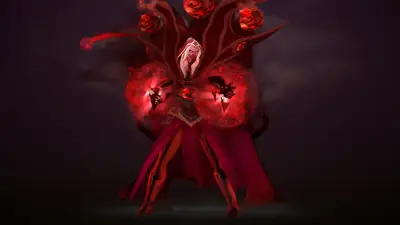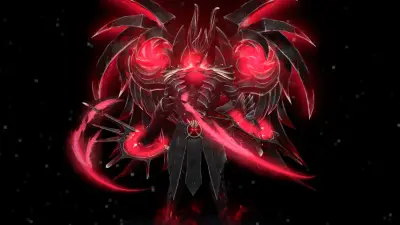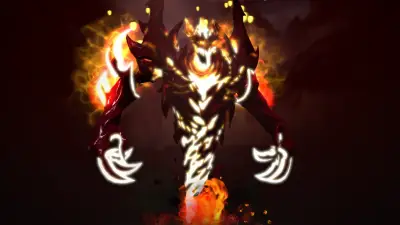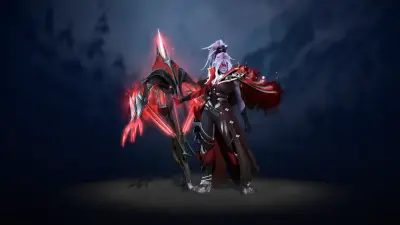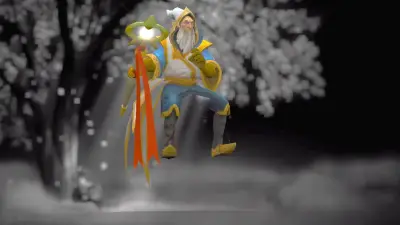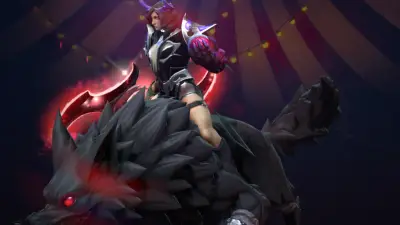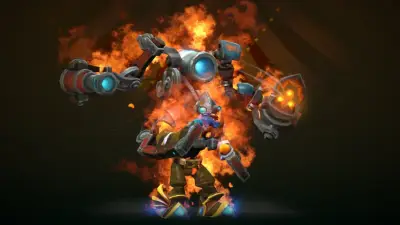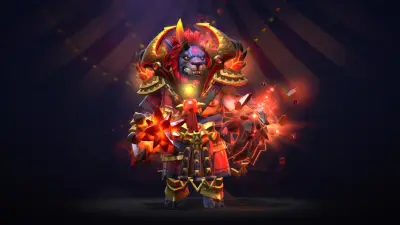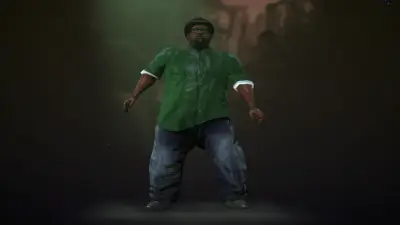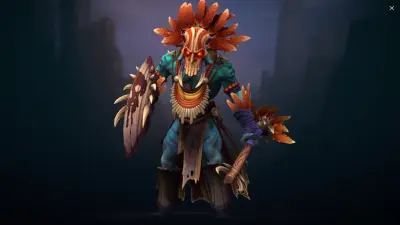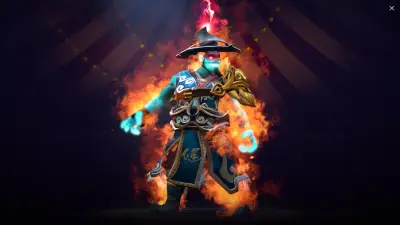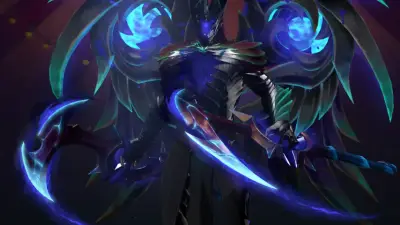
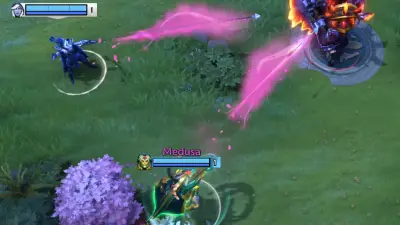
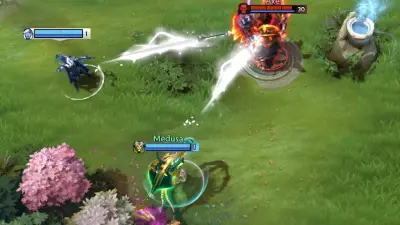
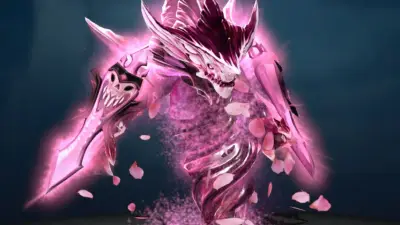
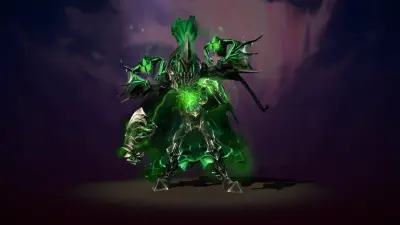
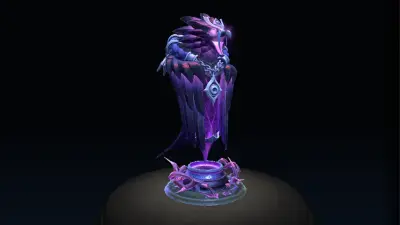
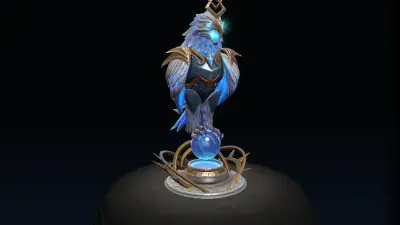
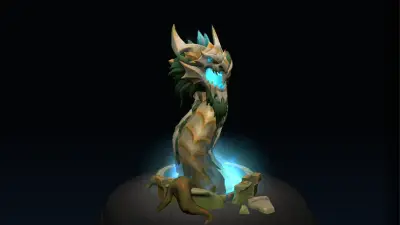
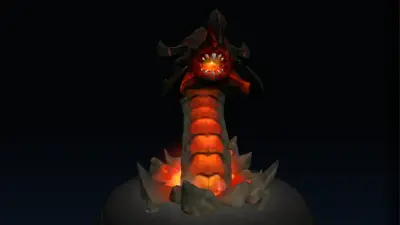
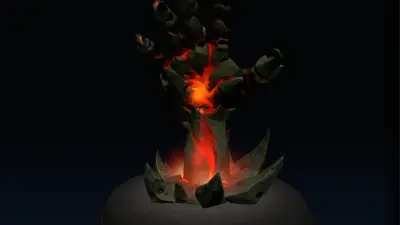
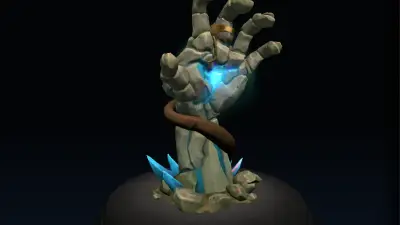
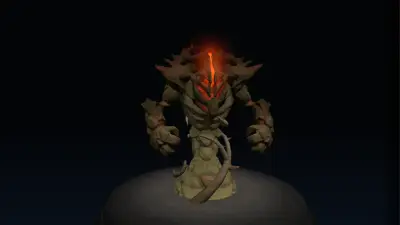
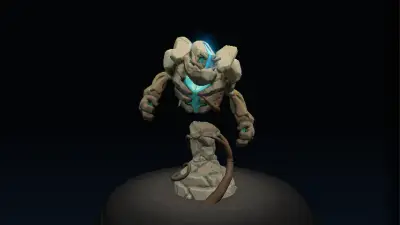
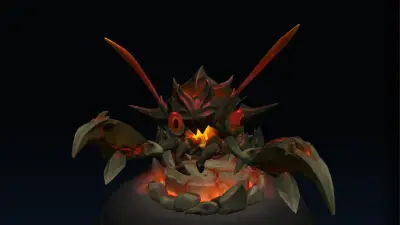
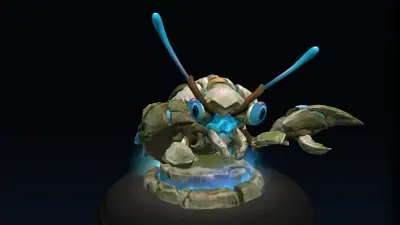
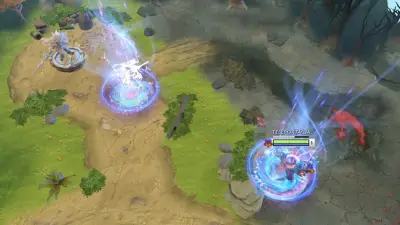
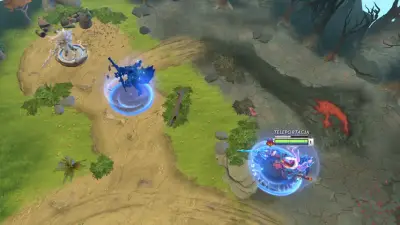
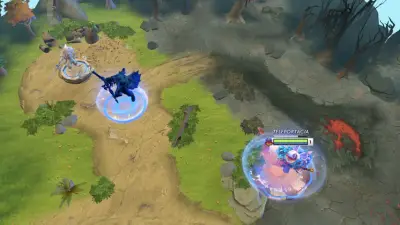
Any item on any hero
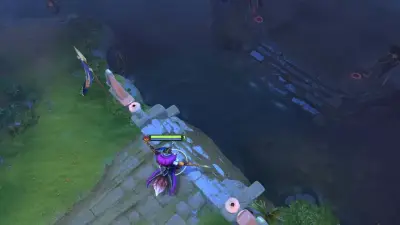
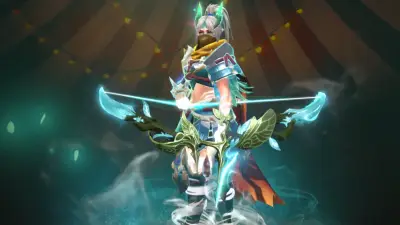
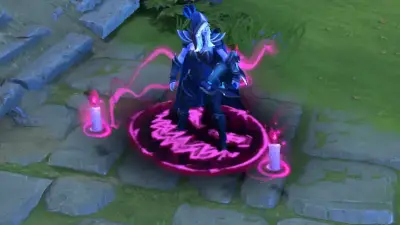
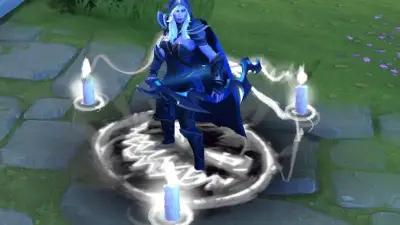
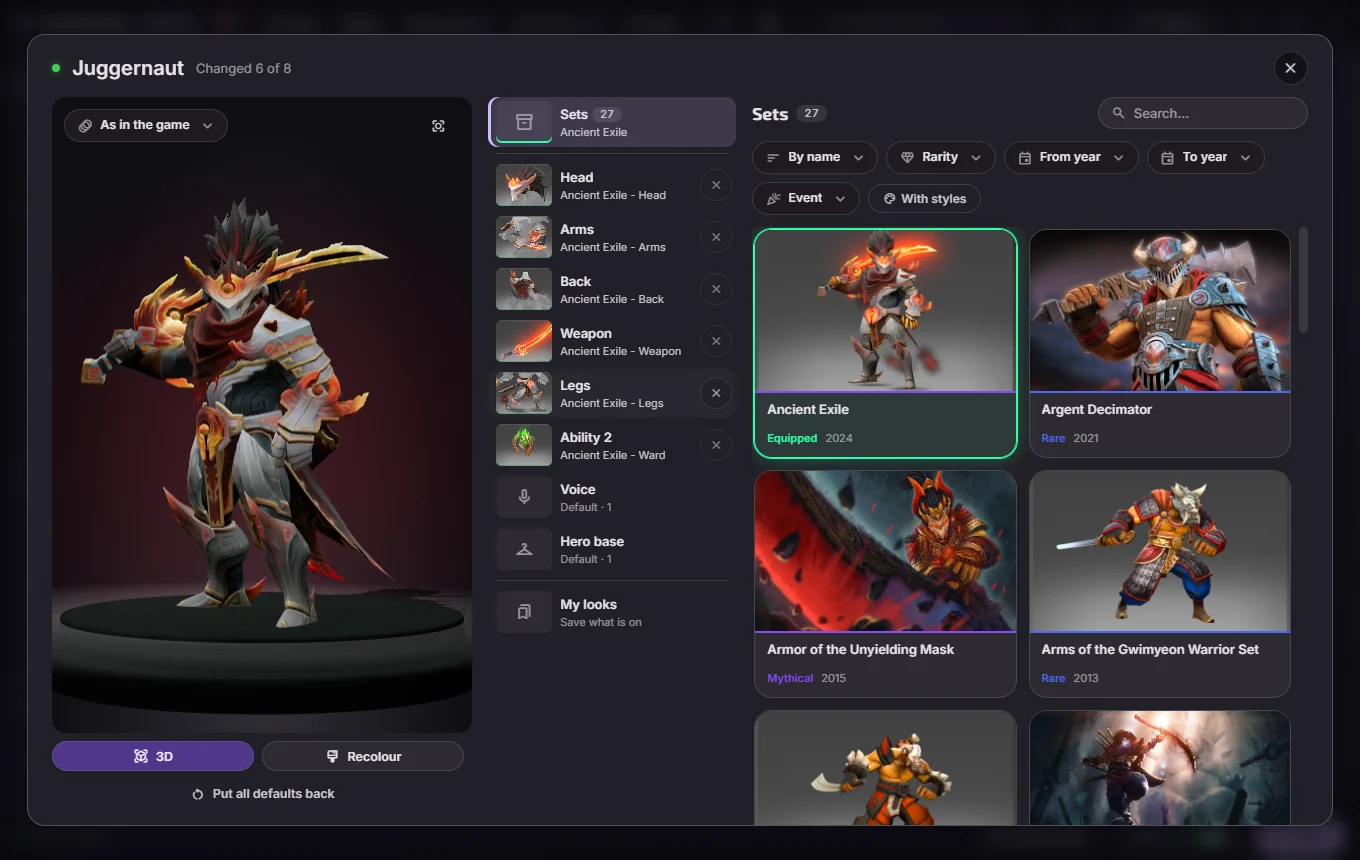
Sets, arcanas and single items from the game, with a live 3D preview. Hero items install as plain files. The item builder.
The mod manager and modding toolkit for Dota 2. Install 1,659 mods from the D2PFX catalog in one click, put any item from the game on any hero with a live 3D preview, and edit effects, the HUD and the map in the Workshop.
1,659 mods in the catalog. Search by name, hero or author, then pick a few and send them to the app as one set.
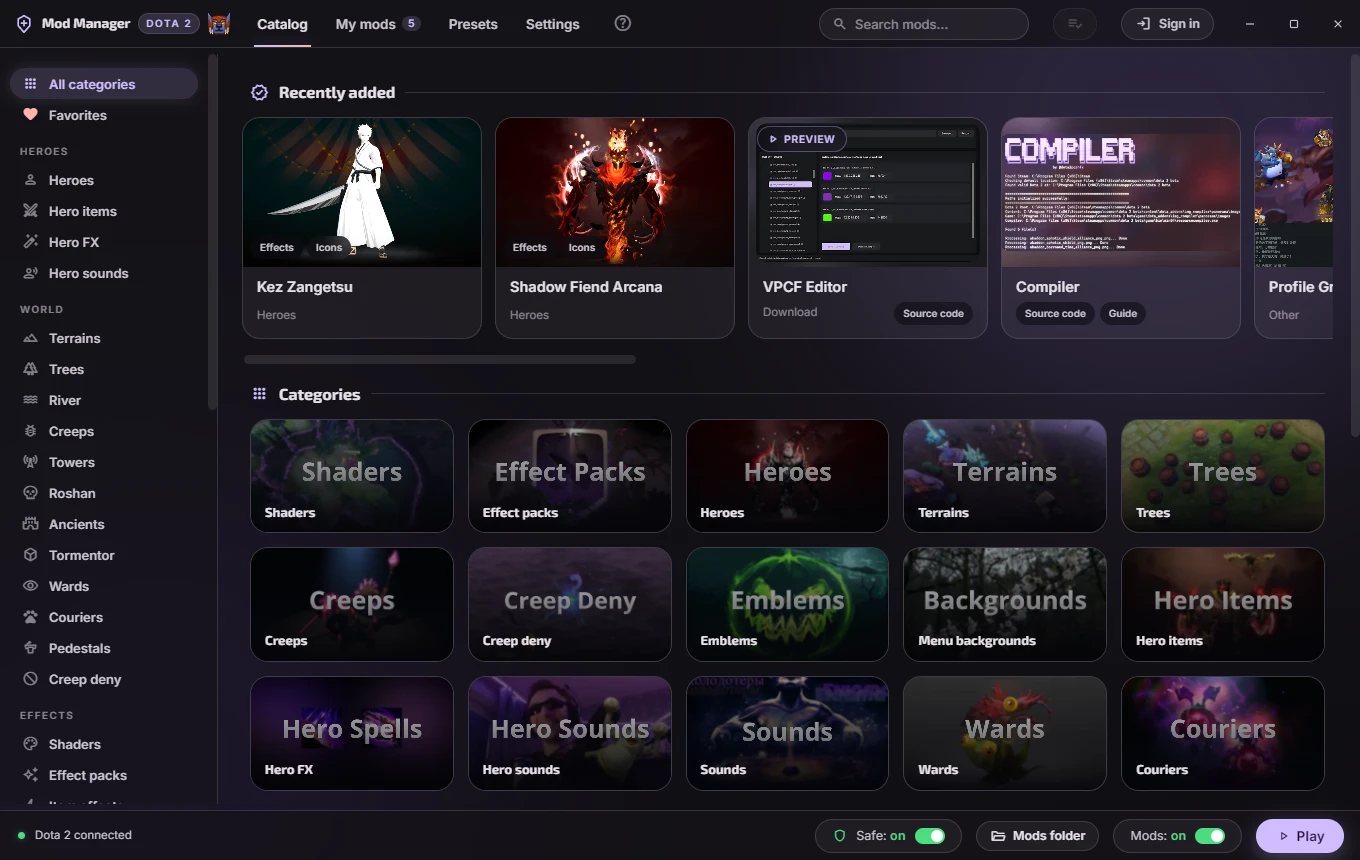
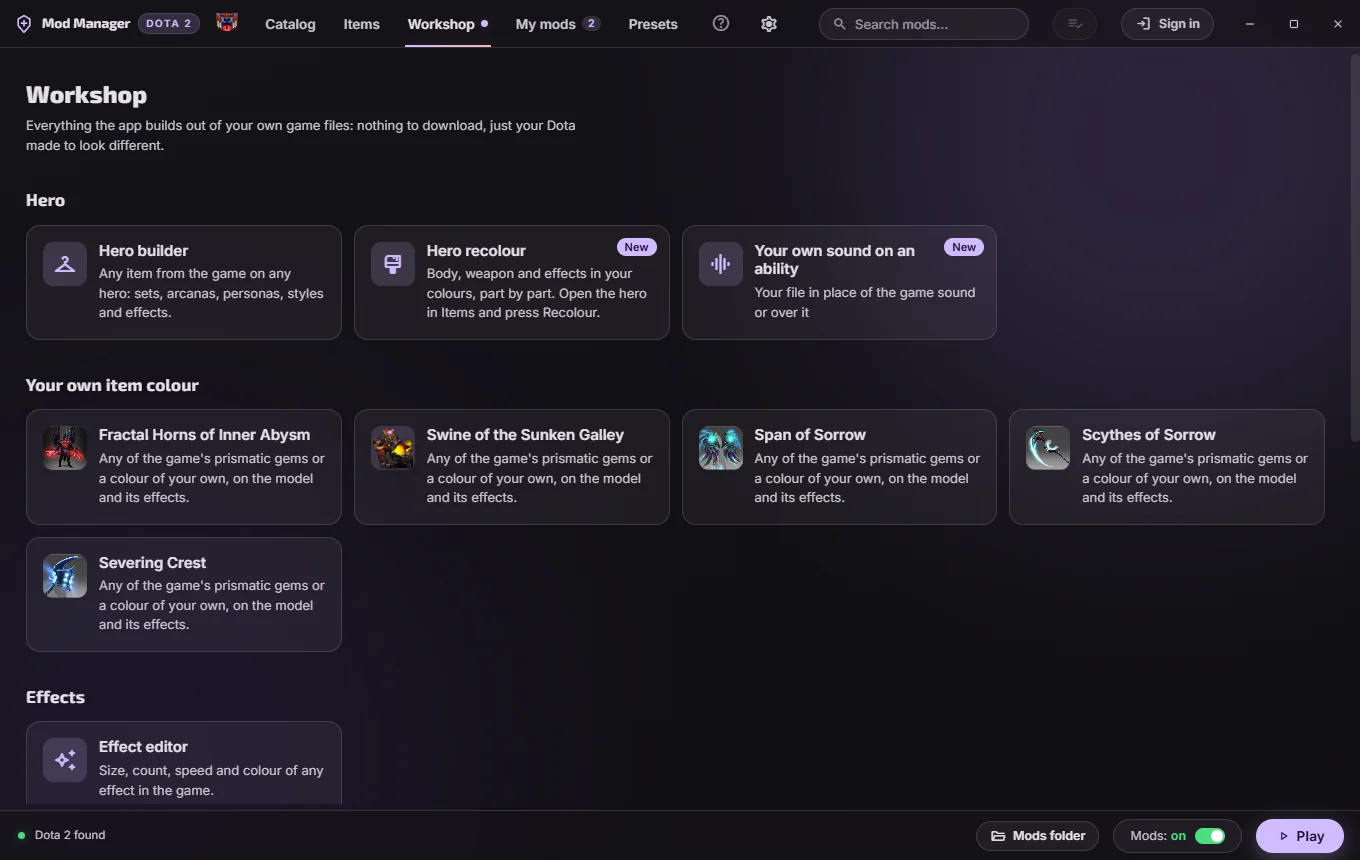
The Workshop and the item builder make mods from your own game files. Pick what you want and the app builds it, with no Source 2 tools to learn. Everything in the Workshop.
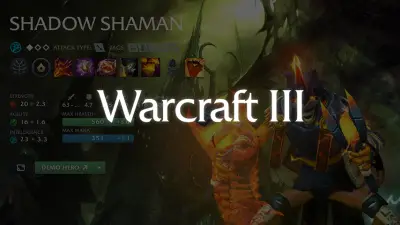
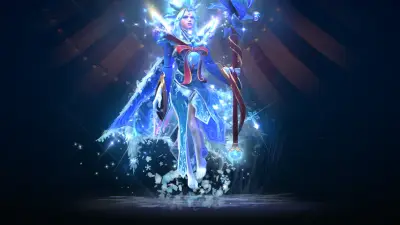
Sets, arcanas and single items from the game, with a live 3D preview. Hero items install as plain files. The item builder.
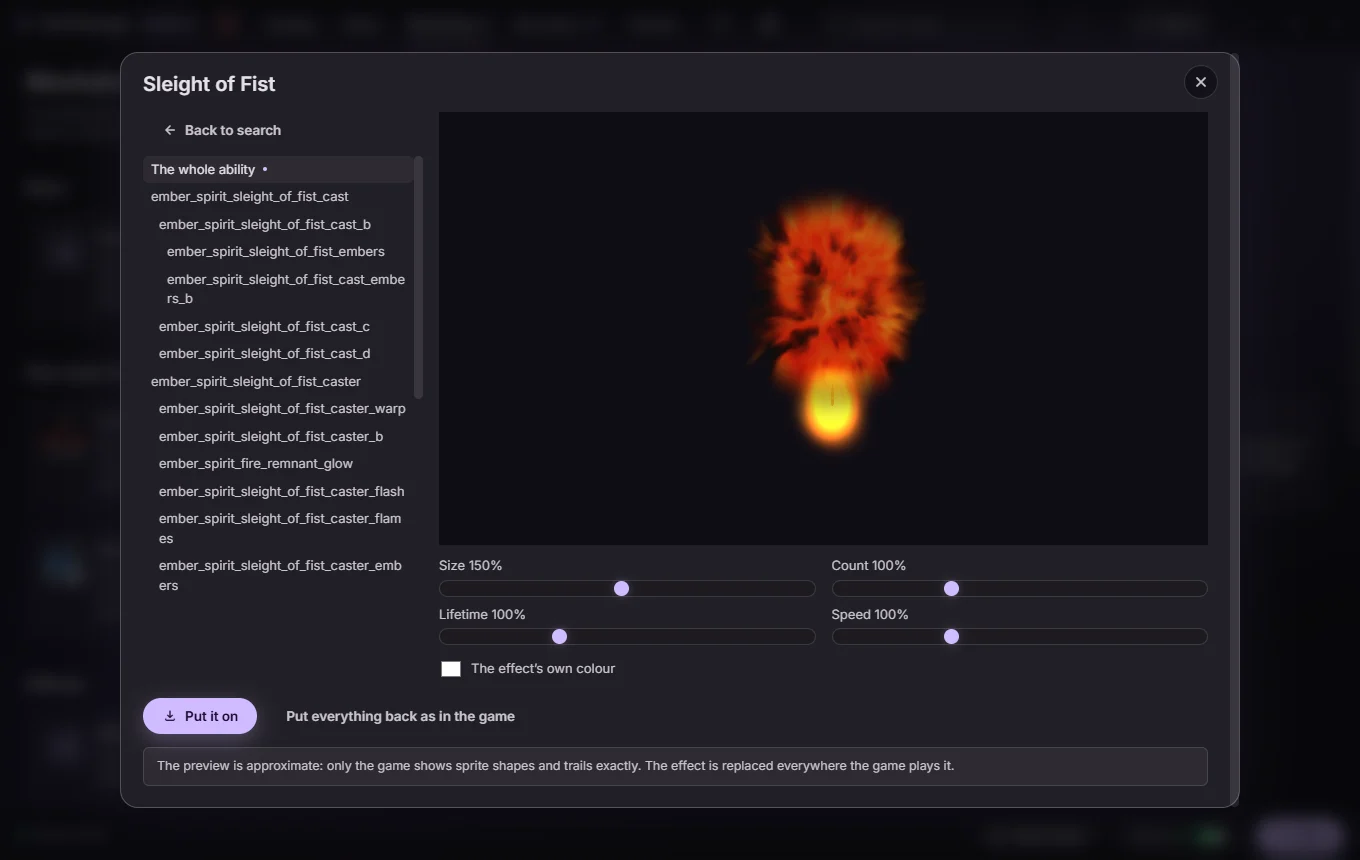
Size, count, lifetime, speed and colour for any of the game's 82,000 effects, or a whole ability at once.
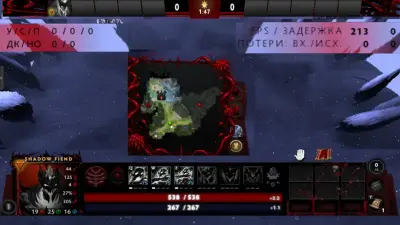
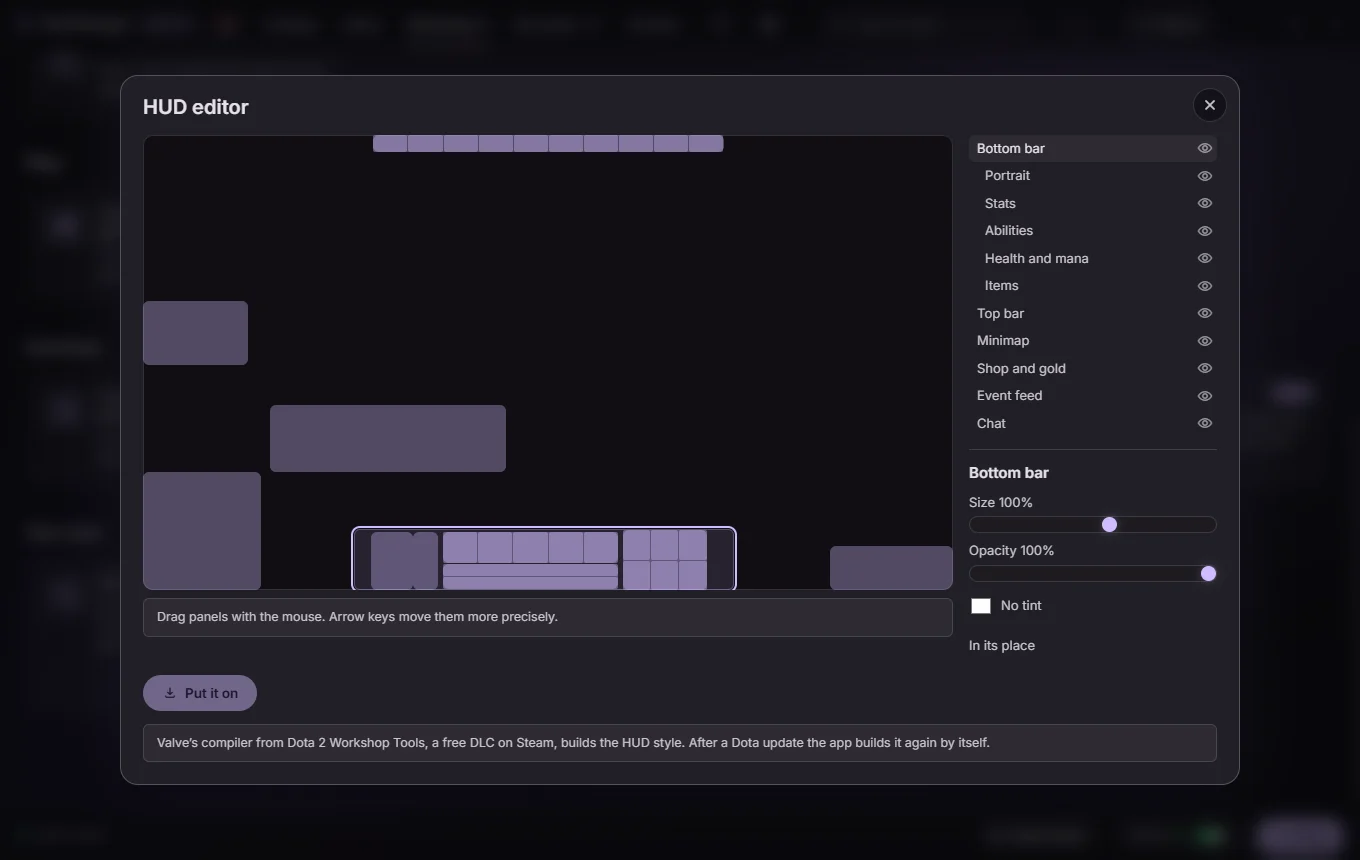
A plan of your screen with eleven panels. Drag, resize, tint, fade or hide them.
The body, the weapon and the effects in your own colours, part by part.
Arcanas in any of the game's prismatic gems or a colour of your own.
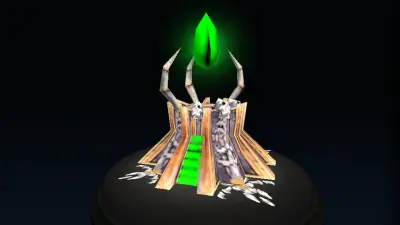
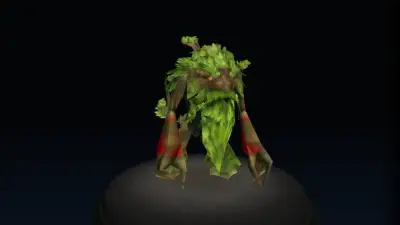
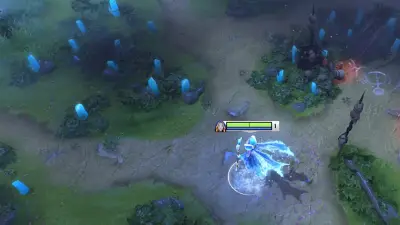
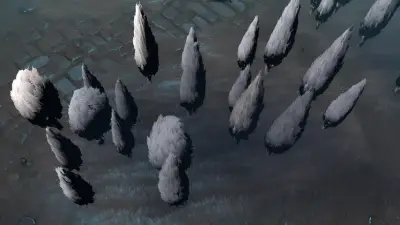
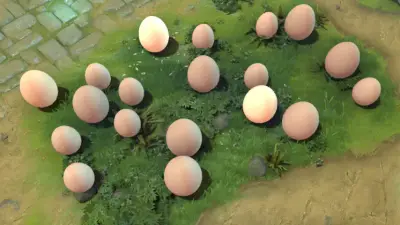
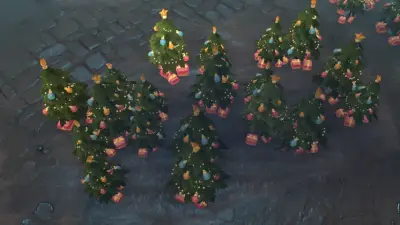
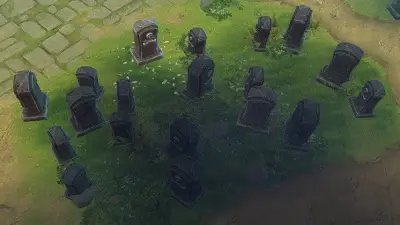
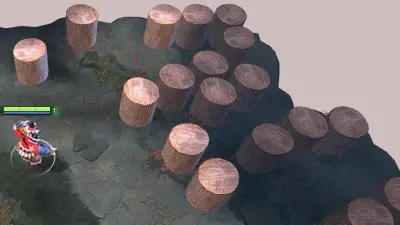
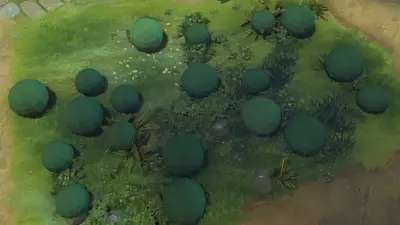
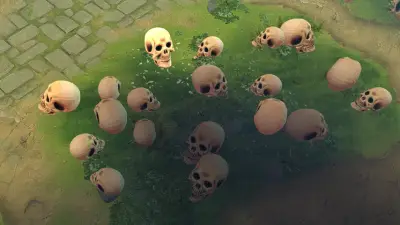
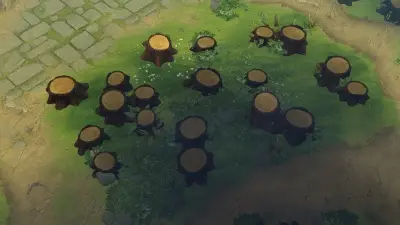
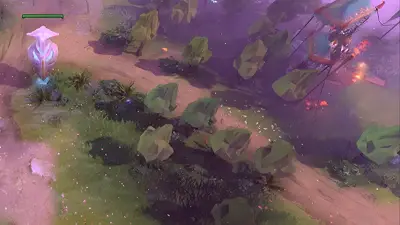
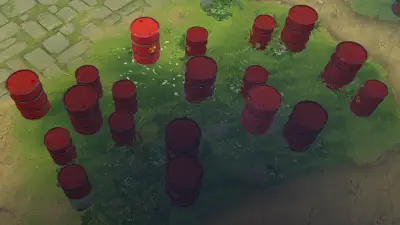
Towers from any event, trees from any season, and a map with the decor taken off.
A picture, a GIF or a video in place of the main menu.
Your own file instead of the game's sound, or on top of it.
A medal and hero levels only you see, and grids built from this patch's win and pick rates.
A mod manager installs what other people made. This one also builds what you think of, and keeps both working. How it compares.
The changing room puts the hero on stage in 3D, in what you picked, with its real animations. Nothing touches the game until you press the button.
The tools read Dota on your disk, so a new item is there the day Valve adds it, with nothing to download and no pack going stale.
Sliders, colours and a plan of your screen. The app decompiles the file, edits it, compiles it and packs it for you.
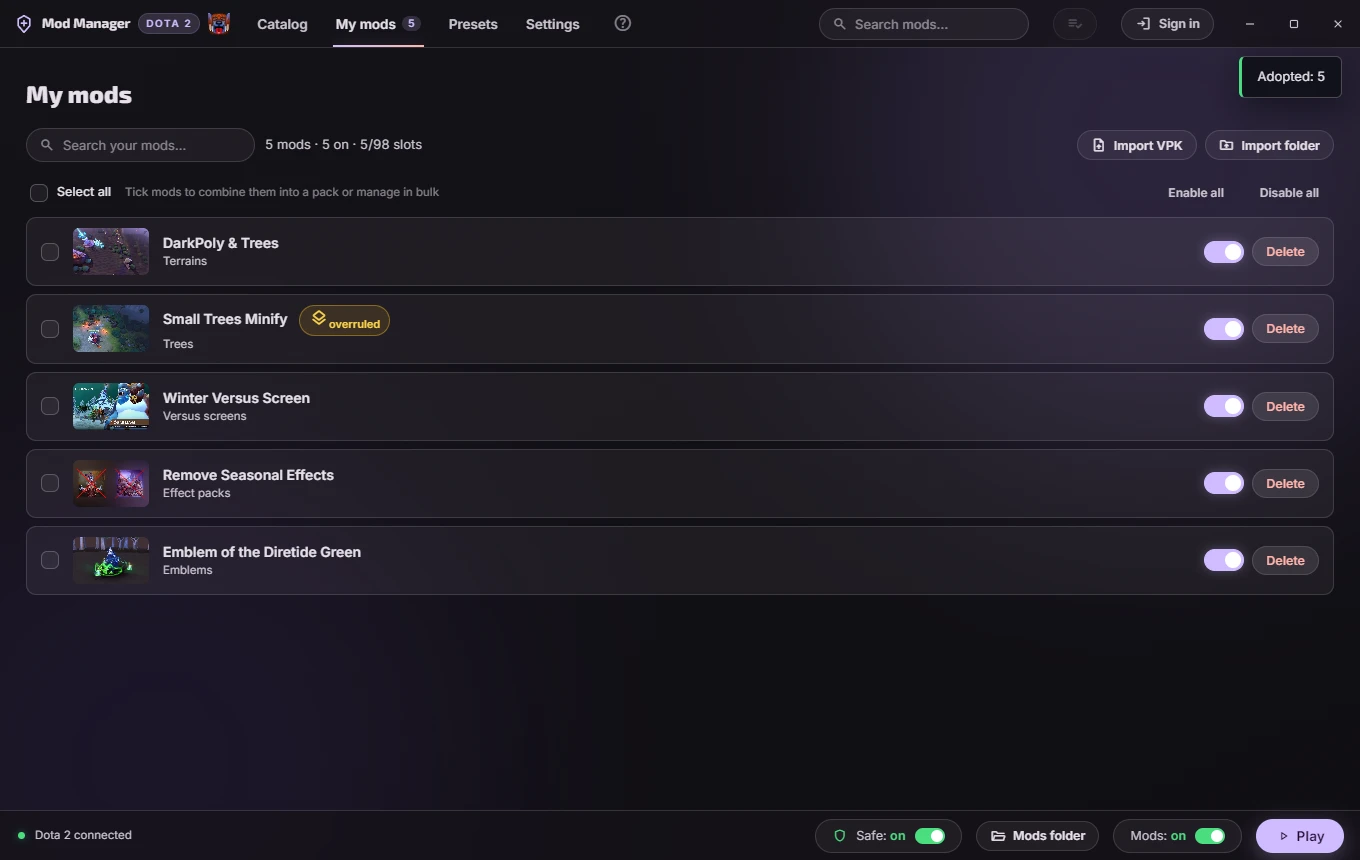
Catalog mods and what you built sit together in My mods, with one load order. When two collide, the app names them.
The app sees the update, waits for the game to close and puts back what the patch took off. You press Play as usual.
Pictures load from your disk, and mods come through mirrors of their own. With GitHub blocked, the catalog still opens in about a second.
The app downloads the mod, puts it in a free pak slot and cleans up after itself. No copying files, no renaming pak51_dir.vpk by hand.
Turn a mod off before a match and back on after. Your library stays, the game folder stays clean.
Two mods that carry the same file cannot both win. The app says which one the game is loading and lets you swap the order.
Weather, couriers, wards, loading screens, announcers, mega-kills. Read from the game's own item table, so anything Valve adds shows up by itself. Editing that table is the one thing here that changes a game file instead of adding a VPK beside it, so the app asks once before the first look goes on. What it changes.
Save the mods you run as a preset and send it in one message. The other side opens it and gets the same look.
After a game update the app puts back what the patch wiped, and it writes to the game folder as one transaction - if anything fails, everything goes back.
Run both on the same game. This app installs into whichever folder Minify pointed the game at, keeps the pak slots Minify writes free, and never touches its files. What Minify is, and running the two together.
Describe the skin to Claude Code or another AI assistant. It reads the game's files, builds the effects, models, animations and sounds, checks the result and hands you a VPK to drag in here. One line sets it up. How to start.
Each hero with a set made for them gets a page with all of it.
You can do all of it by hand. Each step, both ways:
| By hand | With the app | |
|---|---|---|
| Finding a mod | Forum threads, Discord pins and Drive links, many of them written before the July 2026 patch changed how mods load. | One catalog with a preview of every mod, by hero and by kind. |
| Installing it | Find the folder Dota mounts for your voice language, rename the .vpk to a free pak number, check the launch options. | Press Install. The app picks the folder and the slot. |
| Two mods with the same file | One covers the other, and nothing tells you until a match. | The app says which one the game loads and lets you swap them. |
| Before a ranked match | Move the files out, and remember where to. | Switch it off, and back on after. |
| After a Dota patch | Check every mod, and put back what the update wiped. | The app puts it back, and warns you when something needs you. |
| Sharing your setup | A zip and a page of instructions. | One link. The other side opens it in the app. |
| Taking it all off | Delete the right files and restore the fonts and cursors you backed up, if you did. | Remove in My mods. The game is back to how Valve shipped it. |
It is a program that writes into your game folder, downloaded from the internet. That deserves suspicion. Here is what can be verified instead of trusted.
Renamed, closed, sometimes for money: launchers built on this app's code that hide where they came from. The real one is free, has no paid version and never asks for your Steam login. Do not trust a launcher that shows no source code, names nobody it is built on, wants a subscription or a payment, or makes you sign in.
The installer is not signed with a paid certificate, so SmartScreen says "unknown publisher". Click More info, then Run anyway. A certificate costs a few hundred dollars a year, and this is free software; the free programme for open-source projects turned the application down for not being famous enough yet.
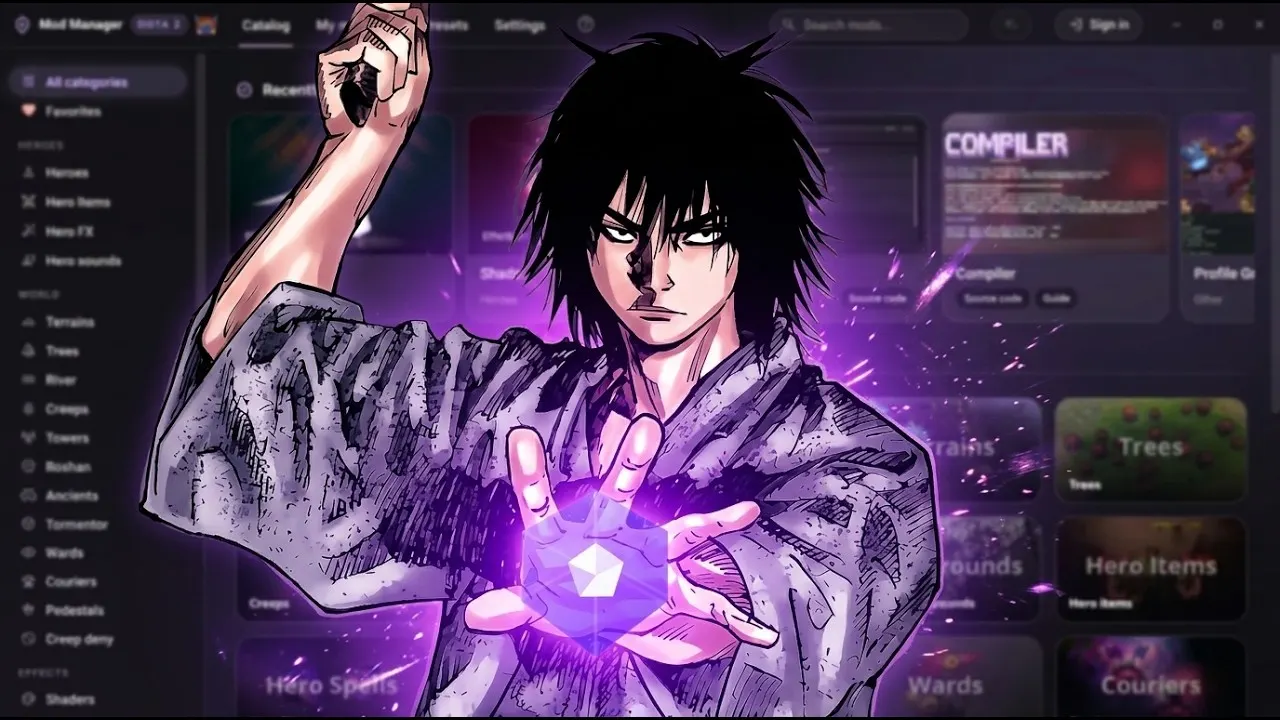
YouTube · hanta
Как ставить любые моды, шмотки и карты в Dota 2 еще легче? | Dota 2 Mod Manager
hanta goes through the whole thing on camera: where the mods come from, how to put cosmetics and terrains in, what to click when the game will not take them. The video is in Russian. Thanks to him for making it.
Yes, without Source 2 tools. The item builder dresses any hero in any item from the game, the Workshop edits effects, the HUD and the map, and an AI assistant can build the rest from a description.
No. The mods change how things look on your screen only. Nobody else in the match sees them.
Hero skins, terrains, announcers, music, cursors, fonts, item effects, trees, the river, Roshan, mega-kills. All of it lives in the D2PFX catalog, which the community keeps adding to. What that catalog is.
Bans are for cheats, and cosmetic mods are not cheats: a mod changes only how the game looks on your screen and gives no advantage. In eight years we know of no ban for one. The app never touches your account, and there is no login unless you want your name on a shared setup. The longer answer.
It happens to unsigned installers with no reputation yet. Microsoft reviewed one such report about this app in August 2026 and removed the detection. If yours complains, the file you downloaded is built in the open by GitHub Actions and you can check the workflow that made it. Why Windows warns you.
Delete it in My mods and the game goes back to how it was. Fonts and cursors are restored from the backup the app made before installing. Doing it by hand.
The D2PFX catalog: the largest open collection of Dota 2 mods there is, run by h6rd with the community for over a year. The app reads it directly, so new mods appear without an app update. About the catalog and its author.
Yes. After a game patch the app puts back what the update wiped, and warns you when something needs attention. What to do when something breaks.
No. There is one version, it is free, and every feature is in it. Copies of this app go around under other names, some of them sold, closed or asking for a login, and none of them are ours. How to tell the real one.
Windows 10, 11 or Linux. No account. It updates itself from here on.
Free forever. GPL-3.0. Built in the open.
The app is for Windows and Linux. Open this page on your computer, or send yourself the link.