The Workshop: edit the game without Source 2 tools
The Workshop builds mods out of your own game files. You move sliders and pick colours, the app does the decompiling and packing, and the result lands in My mods like any other mod.
Checked
What is in it
The tools are grouped by what they change in the game: the hero, item colours, effects, the map and the interface. Each tile says what is on right now.
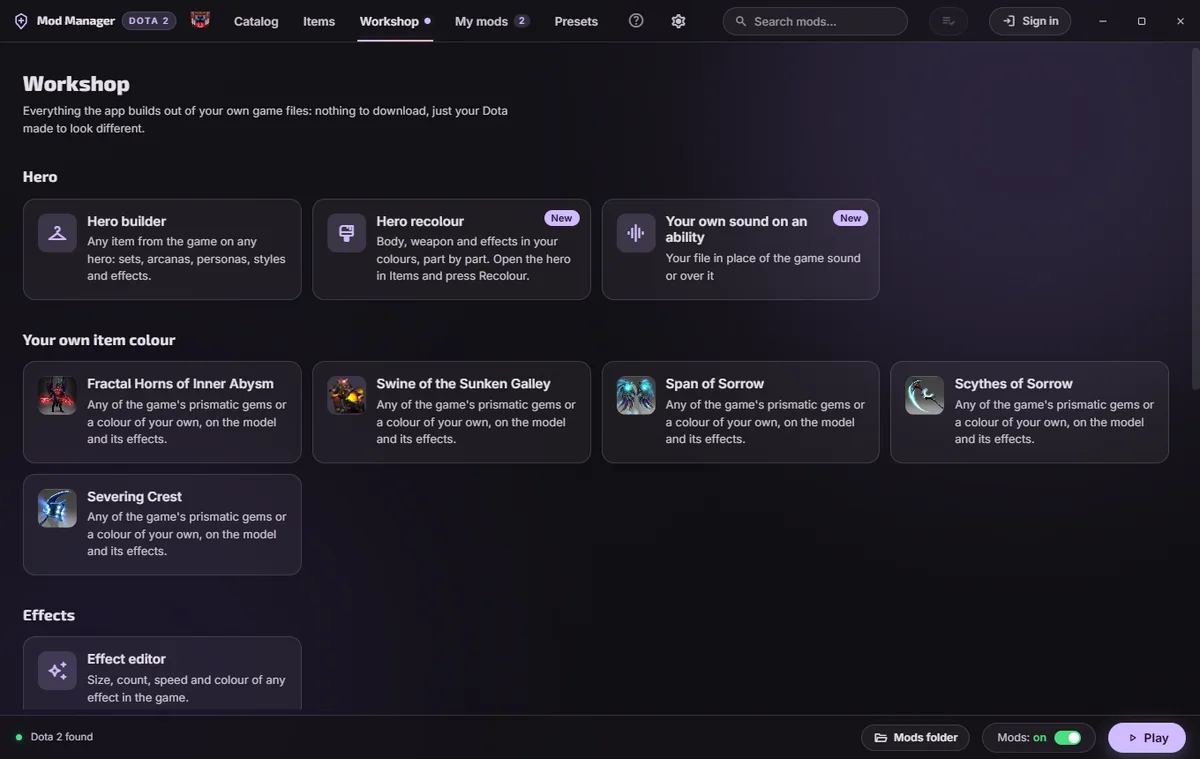
Effect editor
Open any of the game's 82,000 effects through a hero, an ability, an item or a search by name, then change its size, count, lifetime, speed and colour. An ability opens as one effect with all its files changing together, and a checkbox adds the versions from items, such as an arcana's. The picture plays the changed effect after each edit. Edited effects rebuild themselves after a Dota update.
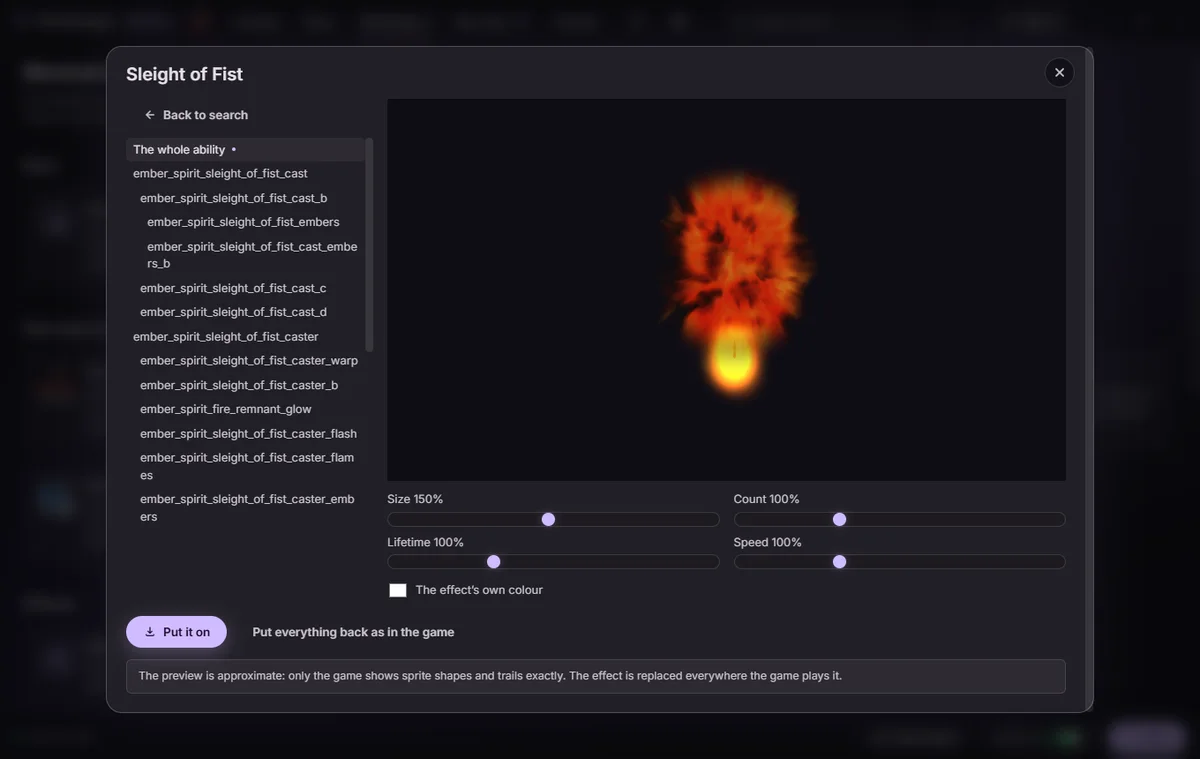
HUD editor
A plan of your screen with eleven of the game's panels on it. Drag a panel, nudge it by a pixel with the arrow keys, resize it, tint it, fade it or hide it. A moved minimap or bottom bar keeps its place when you mirror the HUD in the game's settings.
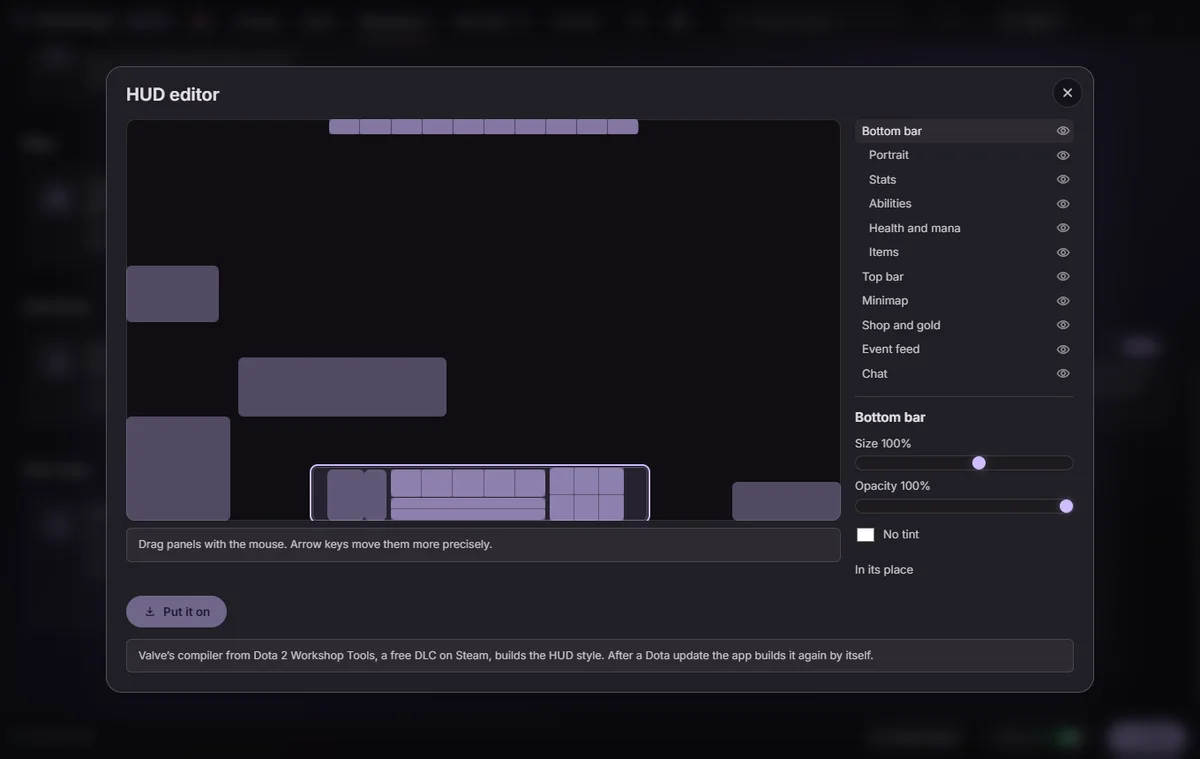
Hero
- Item builder. Any item from the game on any hero, with a 3D preview.
- Hero recolour. The body, the weapon and the effects in your own colours, part by part.
- Item colours. Arcanas in any of the game's prismatic gems or a colour of your own, on the model and on its effects.
- Your own ability sound. Your file instead of the game's sound, or on top of it.
Map
- Towers. Towers from any event, different ones for Radiant and Dire.
- Trees. Trees from any season, different ones on each side.
- Map without decor. Grass, flowers, rocks and litter taken off the map, so the game reads cleaner.
Interface
- Menu background. A picture, a GIF or a video in place of the main menu.
- Rank and hero levels. A medal and Dota Plus levels of your choice on your screen. Only you see them.
- Hero grids. Heroes by win rate, by attribute and by pick rate this patch.
Your own mods
- Author's desk. Package your mod to the catalog's rules: styles, cover and the rest.
- Install your own VPK. From a file, an archive or a folder.
- Mods with AI. Describe the mod and an AI assistant builds it from the game's files.
- Do I need Valve's Workshop Tools?
- Not to start: the app fetches what a tool needs the first time you open it.
- Does any of this give an advantage?
- No. The tools change how the game looks on your screen. What the app does and does not touch.