
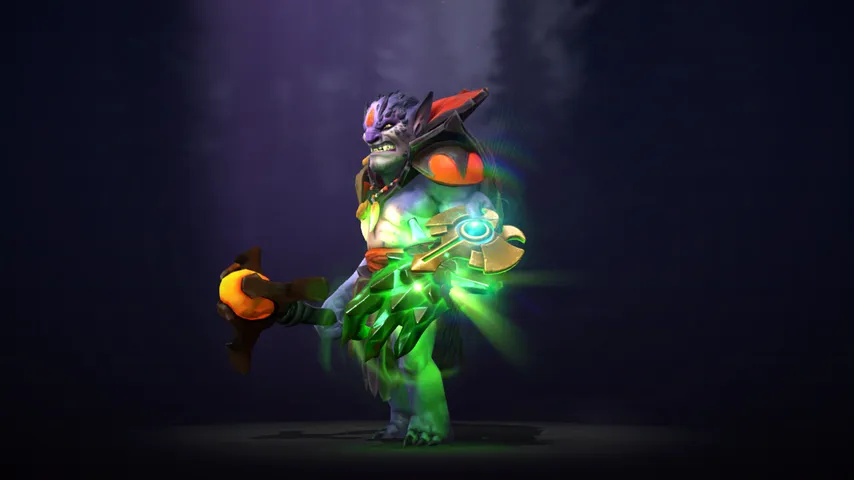
Lion mods for Dota 2
What has been made for Lion, what each one changes, and who made it.
There are 6 mods for Lion in the D2PFX catalog. Each one is a cosmetic change on your own screen: nobody else in the match sees it, and your Steam inventory is untouched.
Lion Hell-Spar Anathema
Default +3
Lion Fin Kings Charm
Default +3
Lion Immortal Chimera
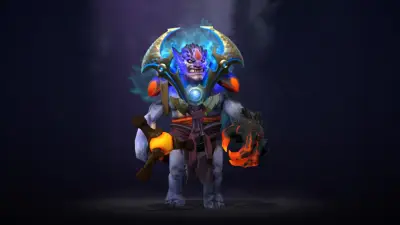
Lion Mulctant Pall
Default +2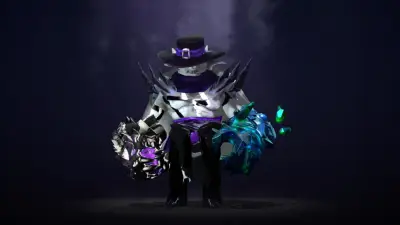
Lion Witcher

Lion Cannonroar Confessor
Nothing matches that.Try fewer words, or another kind.
Open it in the app, or send the link to a friend.
Open in Mod ManagerInstalling any of these
Open Dota 2 Mod Manager, find the hero, press Install. The app puts the file in a free pak slot in the folder your game mounts, tells you when two mods carry the same file, and puts everything back after a Dota patch. The full guide, or the manual route if you would rather do it yourself.