
How to install Dota 2 mods
Most guides still teach a folder trick the July 2026 patch killed. Both methods below work on the game as it ships today, one with a program and one without.
Checked
If a guide tells you to put -language mods in your Steam launch options, it was written before 24 July 2026. The argument still works, but it sets the game's language rather than naming a folder, and the value has to be a language Dota knows. A made-up dota_mods never mounts now.
The three-click way
Dota 2 Mod Manager does the file work and keeps a record of it, which is what lets you switch a mod off before a match instead of deleting it and finding it again later.
- Download and run the installerWindows 10 or 11, no account. Windows will call the publisher unknown, because the installer carries no paid signature. Click More info, then Run anyway. The reason it says that.
- Let it find DotaIt reads your Steam library and points itself at the game folder. If Dota sits on a second drive, pick the folder once and it remembers.
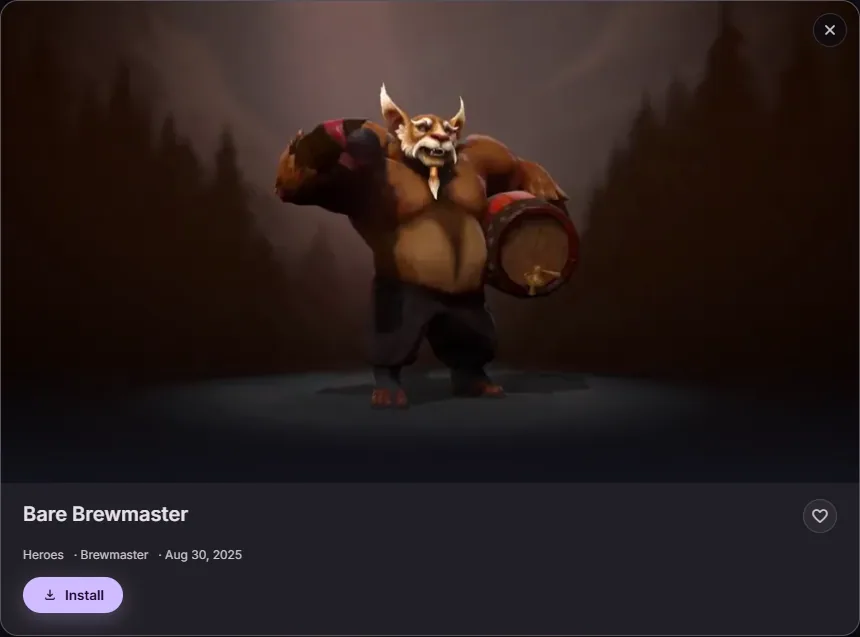
- Open the catalog and press InstallIt downloads the mod, gives it a free pak slot in the folder your game actually mounts, and tells you if another installed mod carries the same file.
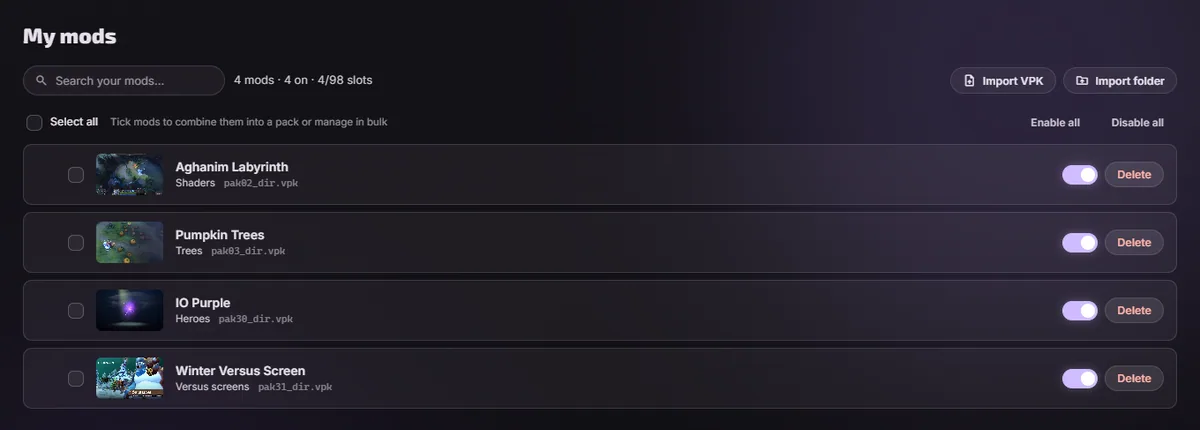
- Start the gameFrom the app or from Steam, both work. To take a mod off, switch it off under My mods and start Dota again.
By hand, one mod
You need the .vpk file and the name of the folder Dota mounts for your audio language. Since the July 2026 update those are two different settings, and the one that decides the folder is the audio one.
- Read your audio languageOpen
game\dota\cfg\boot.vcfginside the Dota folder in any text editor and findAudioLanguage. That word is your folder suffix. - Open the matching folderThere are only three of these folders, because Dota records voice in four languages and English is not one that gets a folder:
game\dota_russian\,game\dota_koreana\,game\dota_schinese\. If the voice pack was downloaded the folder also holdspak01_dir.vpkand its numbered parts; leave those alone, they are Valve's speech. English audio has no folder at all, which is its own case: see below. - Rename the mod and drop it inCall it
pak02_dir.vpk. If 02 is taken, go up: 03, 04, and onward to 99. When two mods carry the same file, the lower number wins. - Restart Dota all the wayClose it from Steam, not just to the menu. The game reads that folder once at startup.
That holds until it stops. A game patch can clear the folder, two mods can carry the same texture and cancel each other with no message, and nothing on disk records which mod a given pak14_dir.vpk came from. Those three are the parts a manager exists to remember for you. What the numbering means.
English audio is its own case
Dota records voice in four languages and ships a folder for three of them: dota_russian, dota_koreana, dota_schinese. English is the fourth and it has no folder, because English speech sits inside dota/pak01 with the rest of the base game. Switch your audio to English and the mods you already installed stop loading, because the folder holding them is no longer mounted.
You cannot add the folder yourself either, and this is worth saying plainly because the internet suggests it. Valve's own gameinfo.gi mounts the language path only when the game is running a specific language, and English is not one of those. Create game\dota_english\, give it a correct gameinfo.gi copied from a real language folder, fill it with mods, and Dota still never looks inside. That has been tried.
The fix is to set the audio language to Russian, Korean or Chinese, in Dota's own settings or by starting once with -language russian and then removing the argument. The folder mounts and the mods come back.
You keep English voices anyway, as long as you never downloaded that language's voice pack. Steam decides what gets downloaded and Dota decides what gets mounted, and the two are separate settings. With no pak01_* inside, the folder has no speech to give, so the game falls back to the English in dota/pak01 while your mods load from the same folder.
If you did download that voice pack and want the English speech back, rename Valve's pak01_dir.vpk inside the folder. Only the index has to move: the numbered volumes beside it are unreadable without it, so you rename a few hundred kilobytes and leave the gigabytes where they are. Rename it back to undo, or verify the game files in Steam.
A look on a default item takes one more step
A mod in a language folder can replace any ordinary asset and never the item list. Dota resolves its MOD search path to game\dota alone, so scripts/items/items_game.txt stays out of reach from there. Unlocking couriers, wards or announcers means registering a second content folder in gameinfo_branchspecific.gi and writing the patched file's hash into dota.signatures, which the client verifies when it starts. How the item table works.
Taking a mod back off
- In the app: switch the mod off to keep it in your library, or delete it to remove the file. Fonts and cursors come back from the copy made before installing.
- By hand: delete the
pakNN_dir.vpkyou added, along with anypakNN_000.vpkparts that share its number. - To undo everything at once, use Verify integrity of game files in Steam. It restores Valve's files and leaves your Steam inventory untouched.
Questions
- Do I need to reinstall mods after every Dota patch?
- Sometimes. A patch that rewrites the game folder can drop what you put there. The app checks on startup and puts back what went missing; by hand, you copy the files in again.
- Can other players see my mods?
- No. Every file involved lives on your machine and changes what your client draws. Nothing about it reaches the match.
- Does the -language launch option still work?
- Yes, but not for what those guides used it for. It sets the game's language at startup, text and voices both, and the setting stays after you take the argument back out. What it cannot do any more is name a folder: the value has to be a language Dota knows, so
-language modsgets you nothing. - Where do I get the mods themselves?
- The D2PFX catalog is the largest collection, and the app reads it directly, so new mods appear without an app update. You can also install any .vpk you already have.