
Announcers and voices in Dota 2
The announcer changes by two different routes, and they are not the same thing. One installs somebody else's recording as a file. The other switches on what you already own.
Checked
Two different things
A voice mod
Somebody recorded a set of lines and packed them as a VPK. It replaces what you hear regardless of what your account owns, and it is a file in the game folder like any other mod.
An announcer you already own
Announcers you have from bundles, battle passes or drops sit unused because the client only shows what it thinks you have equipped. That is a list, not a file, and it can be corrected locally. How the item table works.
Installing a voice mod
- Open Announcers in the catalogMost have a preview you can listen to before installing.
- Press InstallThe app puts it in a free pak slot in the folder the game mounts.
- Restart DotaSound is loaded at startup like everything else.
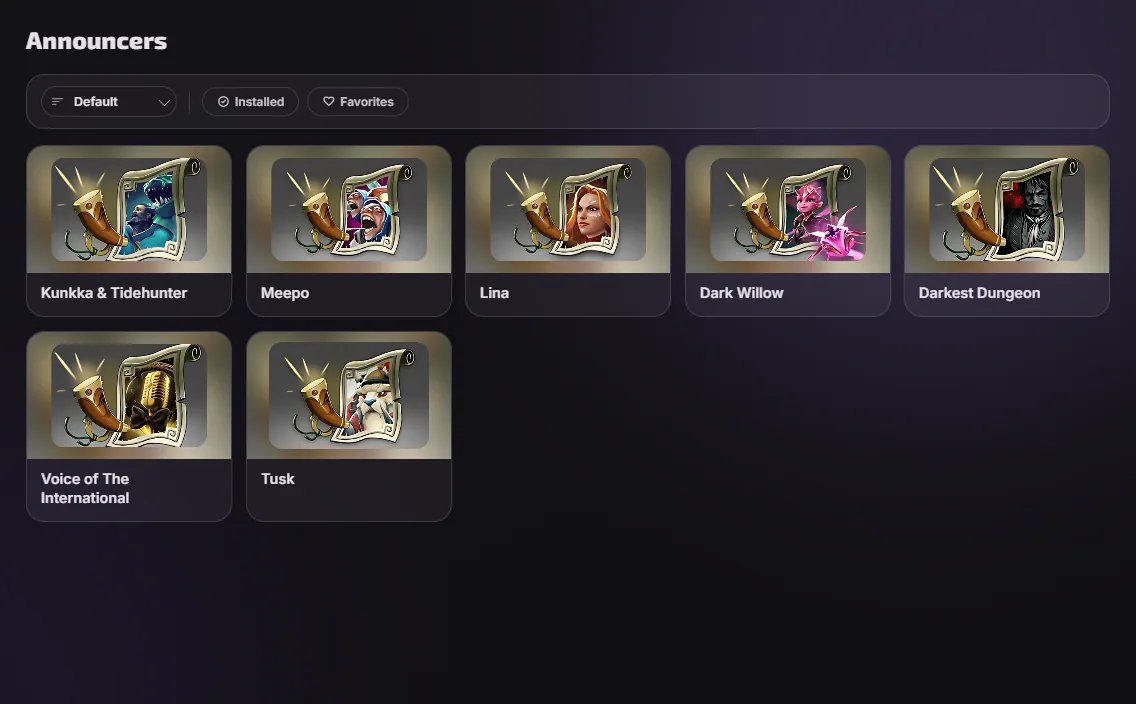
Voice lines live in the folder named after your audio language, not your interface language. Changing the audio language in Dota's settings moves the game to a different folder and leaves your voice mods behind in the old one. Why that happens.
Mega-kills and hero voices
Mega-kill packs and hero voice packs work the same way and live in their own catalog categories. They collide with an announcer mod only when both carry the same lines, which the app tells you about.
Questions
- Do other players hear my announcer?
- No. Everyone hears whatever they have equipped themselves.
- The mod installed and nothing changed.
- Two usual causes: the game was not fully restarted, or the mod went into a language folder your game is not mounting. More symptoms.
- Can I mix an announcer with a mega-kill pack?
- Yes, as long as they are not carrying the same files. The app says when they are.