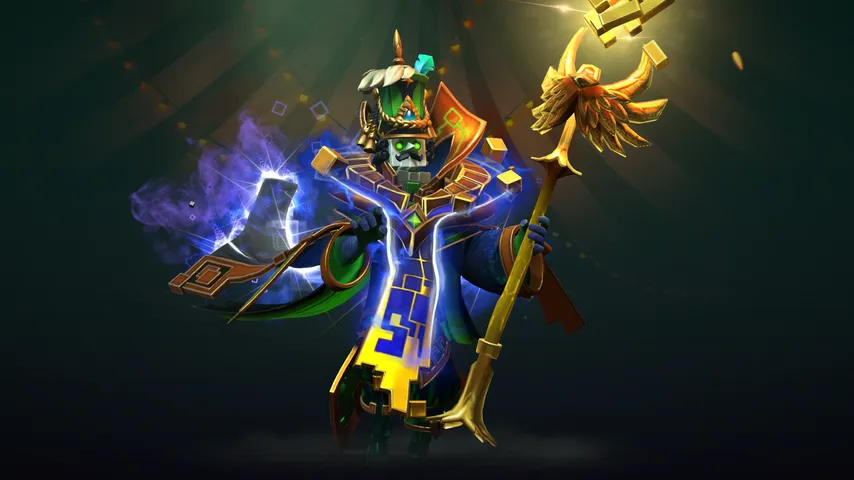
Rubick mods for Dota 2
What has been made for Rubick, what each one changes, and who made it.
There are 6 mods for Rubick in the D2PFX catalog. Each one is a cosmetic change on your own screen: nobody else in the match sees it, and your Steam inventory is untouched.
Rubick Caloedick Mage
Rubick Immortal Arcana
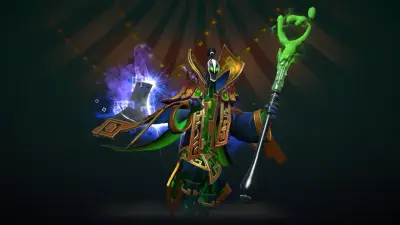
Rubick Arcana

Rubick Ancient Magus
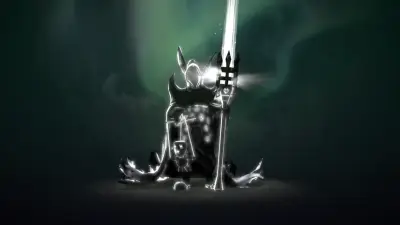
Rubick Dark Mage
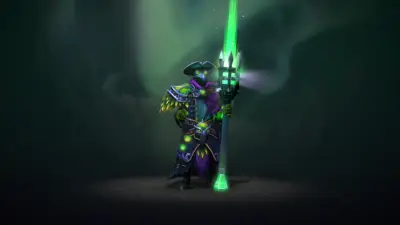
Rubick Plagueroad Apothacary
Nothing matches that.Try fewer words, or another kind.
Open it in the app, or send the link to a friend.
Open in Mod ManagerInstalling any of these
Open Dota 2 Mod Manager, find the hero, press Install. The app puts the file in a free pak slot in the folder your game mounts, tells you when two mods carry the same file, and puts everything back after a Dota patch. The full guide, or the manual route if you would rather do it yourself.